Cloud Computing Services Examples
Cloud Computing Services Examples





from 10 reviews
Cloud Computing Services Examples: What They Are and How Businesses Actually Use Them
You used cloud computing this morning. If you checked Gmail, opened Slack, joined a Zoom call, or pulled a document out of Google Drive, that was the cloud working. Most people use cloud applications all day without thinking about it.
For business owners and IT decision-makers, the question is rarely what is the cloud. The question is which cloud computing services examples fit your business, what they cost, and where the real value is hiding.
This guide breaks it down with real examples. We will cover the three main service models (SaaS, PaaS, and IaaS), name the platforms you already recognize, and walk through industry-specific use cases for healthcare, finance, retail, and more.
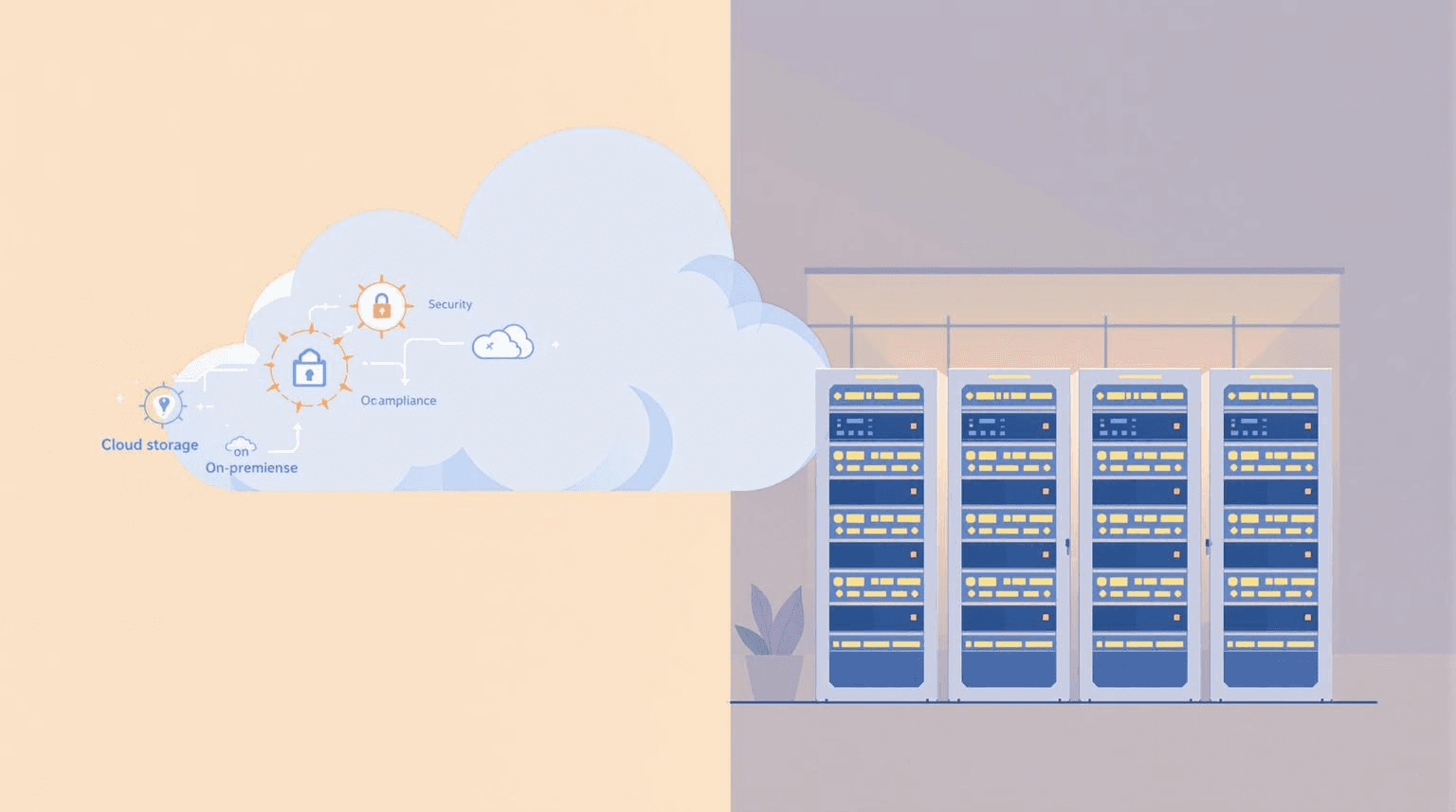
If you want to skip the theory, jump to the examples section. If you are weighing cloud against on-premise, we also published a piece on Cloud vs. On-Premise Storage for Miami Healthcare Providers.
What Is Cloud Computing With Example?
Cloud computing means accessing computing services over the internet instead of running them on your own hardware. Storage, software, processing power, databases, all hosted somewhere else and delivered to you on demand.
Here is the simplest example. Before the cloud, if you wrote a Word document, it lived on your computer's hard drive. If the laptop died, the file was gone. With Microsoft 365, that same document lives on Microsoft's servers. You can open it from your phone, your home laptop, or a borrowed machine at the airport. The file is not tied to a device anymore.
That shift, from local hardware to internet-delivered services, is what people mean when they say cloud computing. The benefits are pay-as-you-go pricing, instant scaling, and the freedom to stop thinking about server rooms.
The Three Main Cloud Service Models
Most cloud computing services fall into three categories. The names matter because they tell you who manages what.
Software as a Service (SaaS)
SaaS is finished software you log into through a browser or app. The vendor handles everything underneath: servers, security, updates, backups. You just use the product.
This is the model most people interact with. Gmail, Slack, Zoom, Salesforce, QuickBooks Online, Dropbox. You pay a subscription, you get the software.
Platform as a Service (PaaS)
PaaS gives developers a ready-made environment to build and run applications without managing the underlying servers. You bring the code, the provider handles the operating system, the runtime, and the scaling.
Examples include Heroku, AWS Elastic Beanstalk, Google App Engine, and Microsoft Azure App Service. If a developer is building a new web app, PaaS lets them skip the part where they configure servers from scratch.
Infrastructure as a Service (IaaS)
IaaS gives you the raw building blocks. Virtual servers, storage, networking, all available on demand. You manage the operating system, the software, and the data. The provider runs the physical hardware.
The three biggest IaaS providers are Amazon Web Services (AWS), Microsoft Azure, and Google Cloud Platform (GCP). Together they run most of the modern internet.
There are smaller categories too. Desktop as a Service (DaaS) delivers full virtual desktops. Functions as a Service (FaaS), sometimes called serverless computing, runs short bursts of code without a server you have to manage. AWS Lambda is the best-known example.
25 Cloud Computing Services Examples by Category
Here are real platforms you can sign up for today, grouped by what they do.
Cloud Storage Examples
Google Drive. Personal and business file storage with built-in document editing. Free tier covers basic use. Paid plans scale up for teams.
Microsoft OneDrive. Bundled with Microsoft 365. Tight integration with Word, Excel, and Outlook makes it the default for many businesses.
Dropbox. One of the original cloud storage services. Still strong for file sharing across teams that use mixed software.
Box. Built for enterprise. Heavy on permissions, audit logs, and compliance features. Common in regulated industries.
iCloud. Apple's cloud storage. Most useful inside the Apple ecosystem for photos, device backups, and iWork files.
Cloud Communication and Productivity Examples
Microsoft 365. Word, Excel, PowerPoint, Outlook, Teams, OneDrive, all in one subscription. The default productivity suite for most businesses.
Google Workspace. Gmail, Docs, Sheets, Drive, Meet, Calendar. Lighter than Microsoft 365 and easier to roll out for small teams.
Slack. Team messaging built around channels. Now owned by Salesforce.
Zoom. Video meetings, webinars, and phone service. Became a household name during the pandemic and never went back.
Microsoft Teams. Bundled with Microsoft 365. Combines chat, video, and document collaboration into one app.
CRM and Sales Cloud Examples
Salesforce. The largest CRM platform in the world. Tracks leads, customers, deals, and service tickets. Heavily customizable.
HubSpot. Marketing, sales, and customer service tools in one platform. Strong free tier that scales into paid plans.
Zoho CRM. A cheaper alternative to Salesforce with most of the same core features. Popular with small and mid-size businesses.
Accounting and Finance Cloud Examples
QuickBooks Online. Cloud version of the accounting software most US small businesses use. Replaced the desktop version for most new customers.
Xero. Cloud-first accounting platform popular outside the US, growing fast inside it.
Stripe. Payment processing delivered as an API. Powers checkout for millions of websites and apps.
Healthcare Cloud Examples
Athenahealth. Cloud-based electronic health records, billing, and patient engagement for clinics and hospitals.
Epic and Cerner. Hospital-grade EHR systems, increasingly delivered through cloud or hybrid setups.
Doxy.me. Browser-based telehealth video. No app install, HIPAA compliant.
Cloud Infrastructure (IaaS) Examples
Amazon Web Services (AWS). The biggest IaaS provider. EC2 (virtual servers), S3 (storage), Lambda (serverless), and hundreds of other services.
Microsoft Azure. Microsoft's cloud platform. Often the default for businesses that already run on Windows and Microsoft 365.
Google Cloud Platform (GCP). Strong on data analytics, machine learning, and Kubernetes.
Cloud Security Examples
CrowdStrike Falcon. Endpoint protection delivered from the cloud. Stops malware and ransomware on laptops and servers.
Cloudflare. Web security, DNS, and content delivery. Protects sites from DDoS attacks and speeds them up at the same time.
Okta. Cloud identity and single sign-on. One login covers all the SaaS apps your team uses.
Cloud Computing Applications Examples by Industry
The model is the same across industries, but the use cases look different depending on what business you run.
Healthcare
Clinics and hospitals use cloud computing for electronic health records, patient portals, telehealth visits, medical imaging storage, and HIPAA-compliant backup. Athenahealth, Epic, and Doxy.me are common.
A growing share of Miami medical practices have moved their imaging, billing, and patient communication into the cloud. The big drivers are HIPAA-ready backup, secure remote access for providers, and the ability to skip on-premise servers entirely.
Retail and E-commerce
Shopify and BigCommerce are SaaS platforms that run entire online stores. Behind the scenes, they sit on AWS or Google Cloud. A small business can launch a store in an afternoon without owning a single server.
Inventory systems like Lightspeed and Square live in the cloud and sync data between physical stores, the website, and accounting software.
Finance and Accounting
Most US accountants now use QuickBooks Online or Xero. Banks run customer-facing apps on AWS or Azure. Stripe and PayPal handle payments as cloud APIs that any business can plug into.
Legal
Law firms use Clio (practice management), NetDocuments (document storage), and Microsoft 365 for email and collaboration. Cloud computing lets a small firm work from anywhere without keeping client files on a single office server.
Construction
Procore is a cloud platform that runs project management, document control, and field communication for construction companies. Field teams update progress from the job site on a phone and the office sees it in real time.
Manufacturing and Logistics
NetSuite ERP, SAP S/4HANA Cloud, and Microsoft Dynamics 365 are cloud ERP systems that handle inventory, procurement, and finance. Smaller manufacturers use cloud accounting plus a cloud inventory tool like Cin7 or Fishbowl.
Education
Google Workspace for Education and Canvas are used by schools and universities to manage classes, assignments, and grades. Zoom and Microsoft Teams handle remote learning.
What Is Cloud Computing With Example for a Small Business?
Take a Miami accounting firm with 12 employees. Five years ago, this firm probably had a server in a closet running tax software, file storage, and email. Backup was a tape drive nobody trusted.
Today the same firm runs entirely on cloud services. Microsoft 365 handles email, Word, and Excel. QuickBooks Online and Drake Tax in the cloud handle bookkeeping and tax preparation. Document storage sits in OneDrive or SharePoint. Backups go to a cloud provider like Datto or Axcient. The office server is gone. So is the after-hours panic when something breaks.
That migration delivered three things: lower IT costs (no more $15,000 server every five years), better security (cloud providers patch faster than most internal teams), and remote access (the team kept working through 2020 without a setup change).
This pattern repeats across industries. The cloud is not a single product. It is a way to stop owning IT infrastructure that does not directly grow your business.
Benefits of Cloud Computing Services
The benefits show up in four places.
Cost. You pay monthly instead of buying servers every five years. For most small businesses, the math favors cloud unless your usage is unusually predictable and high.
Scale. Need ten more user licenses? It takes minutes. Need a hundred? Still minutes. Same for storage, processing power, and bandwidth.
Access. Your team works from the office, from home, from a client site, from a hotel. The cloud does not care where the user is sitting.
Security and backup. Big cloud providers spend more on security than any small business could. Most also handle backup and disaster recovery automatically.
There are real tradeoffs too. You depend on internet connectivity. You depend on the vendor staying in business. Some industries have data residency rules that limit which clouds you can use. None of these are dealbreakers for most businesses, but they are worth knowing before you sign anything.
How Miami Businesses Choose Cloud Services
Picking the right cloud computing services is less about features and more about fit. A few practical questions to ask:
What software do your competitors and partners use? If you exchange files with clients who all use Microsoft 365, picking Google Workspace creates friction. Match the ecosystem your industry already runs on.
What are your compliance requirements? HIPAA, PCI DSS, SOC 2, and state-level rules all affect which cloud services you can use and how they need to be configured. A medical practice cannot use a generic file-sharing tool to send patient records.
Where does your data need to live? Some industries and contracts require data to stay in the US or in specific regions. The big cloud providers let you choose, but only if you ask.
Who manages it once it is live? Cloud services reduce the hardware burden. They do not eliminate IT work. Someone still needs to configure user permissions, monitor security, manage backups, and handle the inevitable problems. That is where a managed IT partner saves time. If you are based in South Florida, our Miami managed IT team handles cloud setup and ongoing support for businesses across industries. (Link: cloud services in Miami) (not yet live)
Common Cloud Computing Mistakes
A few patterns we see when businesses move to the cloud without a plan.
Buying overlapping tools. Departments sign up for their own SaaS apps and the business ends up paying for three project management tools and two CRMs. Audit your subscriptions yearly.
Skipping backup. A common assumption is that Microsoft 365 or Google Workspace backs up your data. They do not, at least not the way most businesses think. A separate cloud backup service is worth the small monthly fee.
Weak access controls. A cloud service is only as secure as the passwords protecting it. Multi-factor authentication is not optional anymore. Skip it and you will get breached.
No exit plan. If you ever need to leave a cloud vendor, can you get your data out? Check the export options before you commit, not after.
Cloud Computing Examples Worth Remembering
If you take three things away from this guide:
The cloud is already running your business, whether you set it up that way or not. Email, accounting, payments, communication, almost all of it runs on someone else's servers now.
The right cloud strategy is the one that matches how your team actually works. Match your industry, match your compliance needs, and match your team's day-to-day workflow.
The cost of doing this badly is high. Lost data, security incidents, and wasted subscriptions add up fast. Most businesses are better off bringing in a managed IT partner who has seen the patterns before, especially when the stakes include patient data, financial records, or client confidentiality.
For Miami businesses looking for cloud support that goes beyond setup and password resets, our team handles cloud migrations, security, backups, and ongoing management as part of a flat monthly plan. Reach out for a free assessment or read our breakdown of Cloud vs. On-Premise Storage for Miami Healthcare Providers.